Photography · Intermediate
Turn ordinary photos into finished digital artwork
A recorded workshop on presets, GREYWASH proportions, light physics, gradients and shadows — the full process behind a composite that holds together.
- 28 recorded lessons
- 7 structured modules
- Presets and GREYWASH ratios
- Six months of access
- 14-day money-back guarantee
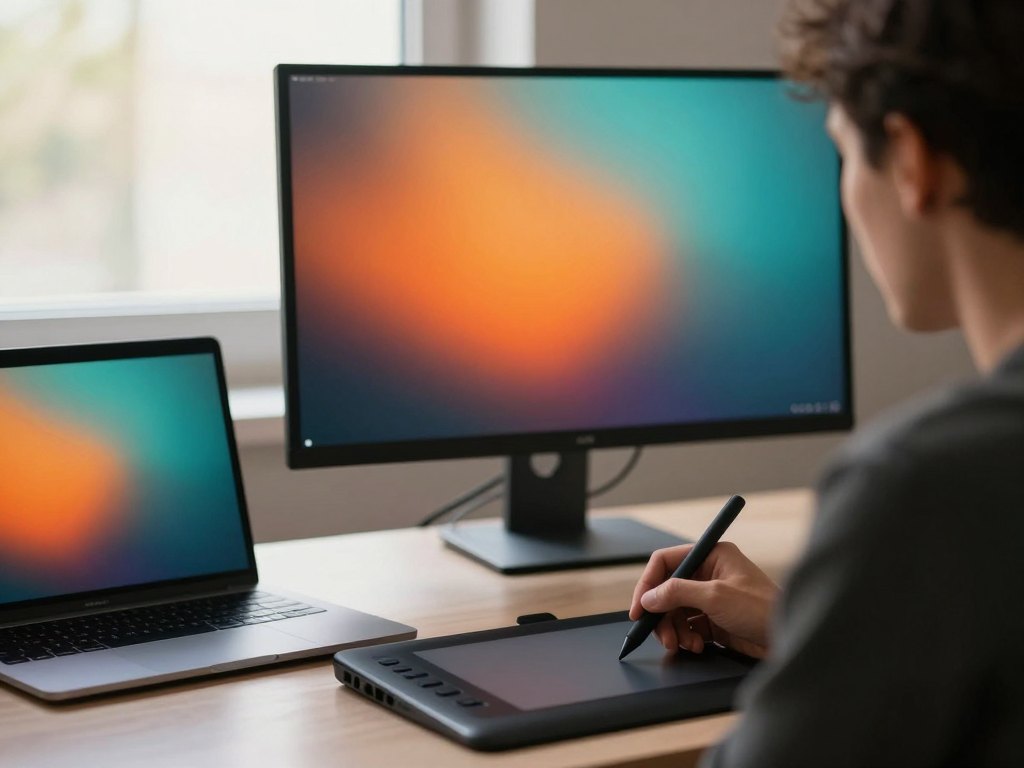
Why most edits stop at good enough
You already know your way around a raw file. You can pull exposure back, clean up a colour cast, sharpen what needs sharpening. And yet the finished image often looks like a photograph that has been edited rather than a piece of artwork that was built.
The gap is rarely about knowing more sliders. It sits in the decisions that come before the sliders: where the light is coming from, how much of the frame the subject should occupy, which areas are allowed to stay empty, how a shadow should sit on the surface it falls on. Those decisions are teachable, and they are what this workshop is about.
The programme collects a complete working method for photo processing and digital artwork: a repeatable preset base, the GREYWASH proportions for a controlled wash of colour, the physics that makes a composite believable, polygon-based composition with deliberate negative areas, gradients that survive a crop, and shadows that do not look pasted on.
Everything is recorded, so you can follow a lesson, pause, apply it to your own file, and come back to it the next evening. Nothing depends on being online at a particular hour.
What you will be able to do
By the end of the workshop you will have a process you can repeat on every new file, not a folder of lucky accidents.
- Build a repeatable preset base
Set a starting grade you return to on every new file instead of guessing again from zero.
- Mix a GREYWASH by proportion
Control the strength of a colour wash through ratios rather than dragging an opacity slider.
- Place a light source and keep it consistent
Decide direction, distance and falloff before you add a single highlight.
- Match a subject to a new background
Align colour temperature, contrast and edge light so the cut-out stops announcing itself.
- Compose with polygons and negative areas
Use simple shapes to carry the eye and leave empty space that works instead of space that is merely empty.
- Build gradients that survive a crop
Create atmosphere with gradient maps and fills that still look clean after resizing.
- Ground objects with believable shadows
Separate contact shadows from cast shadows and choose a shadow colour that is never pure black.
- Assemble and finish an artwork block
Bring the layers into one readable image, then grade, sharpen and export it for screen or print.
- 7
- structured modules
- 28
- recorded lessons
- 6 months
- of access
- 2
- subtitle tracks
The method: proportions before presets
A preset is a starting point, not a look. The workshop treats it that way: you learn what each group of settings actually does to a file, how to build a base grade that suits your own material, and how to save and adapt it so that the next photo takes minutes instead of an evening. The preset set used throughout the lessons is included, so you can open it, take it apart and rebuild it in your own way.
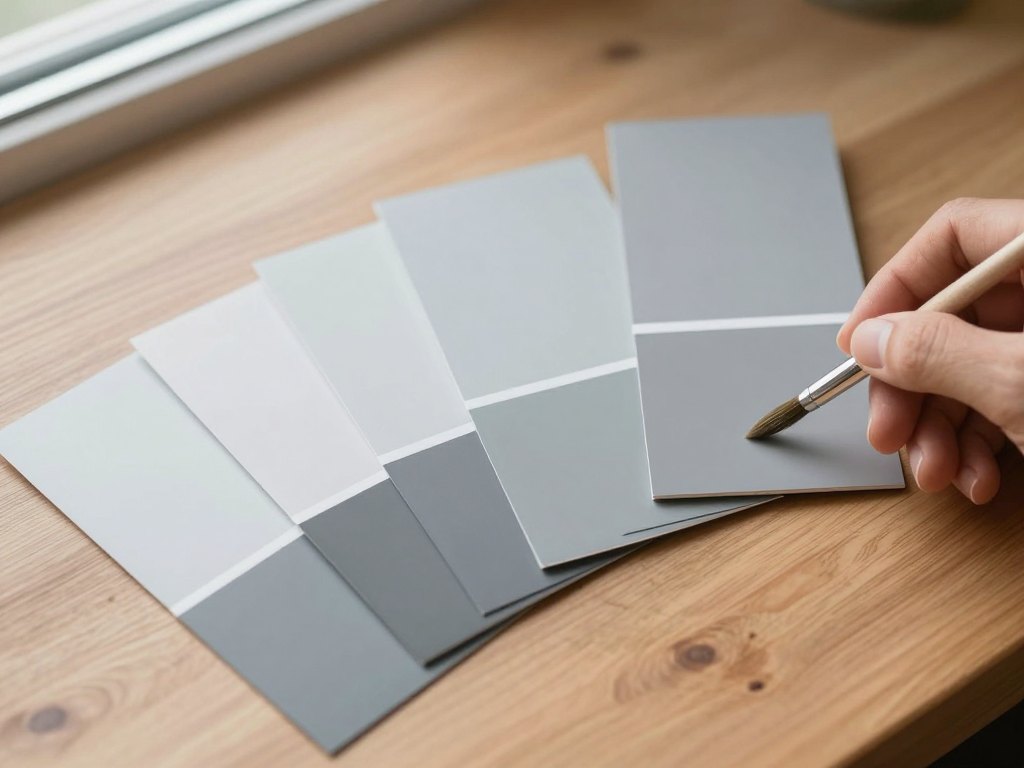
The colour work follows the same logic. GREYWASH is a wash of colour defined by proportion — how much of one value against another — rather than by a single strength setting. Once you understand the ratios, you can produce warm, cool and neutral variants of the same wash and keep skin and sky believable while the rest of the frame goes wherever you want it to go.
Physics comes next, because a composite fails the moment the light stops making sense. You work through direction, distance and falloff, then bounce light and colour temperature, then rim and edge light. The point is not to render a physically accurate scene; it is to make the viewer's eye accept the scene without asking questions.
Composition closes the loop. Polygons give you a way to find the shape that carries the frame, and negative areas give you a way to leave space on purpose. Gradients and shadows are the tools that tie the pieces together, and the final module shows how to assemble the whole thing into an artwork block that reads clearly at any size.
How the course works
The workshop is a set of recorded screen lessons. You watch the work happen in a layer-based editor, at full resolution, with the reasoning explained as it goes: why this curve, why this blend mode, why this shadow is softer than the one before it. Lessons are short enough to fit into an evening and specific enough to apply to your own file straight away.
You can follow the modules in order, which is the recommended route, or jump to the part you need today — presets, gradients, shadows — and return to the rest later. Every lesson is subtitled in English and Spanish, so you can watch with the sound off or read along if the narration moves faster than you can follow.
Alongside the videos you get the preset set used in the lessons, the GREYWASH proportion reference and a reference booklet that collects the ratios, settings and checklists from the whole programme in one place. It is designed to sit next to your screen while you work, not to be read once and forgotten.
This is a self-study product. There are no live calls and no personal review of your files. What you get instead is a complete, structured method you can work through at your own pace, with six months of access from the day you order.
The programme
Seven modules, twenty-eight lessons, one continuous workflow from raw file to finished artwork.
1Module 1 — Presets and a repeatable starting pointTurn presets from a lottery into a controlled first step.4 lessons
- What a preset actually does to a raw file
- Reading a photo before you touch a slider
- Building a base grade you can return to
- Saving, naming and adapting your own presets
2Module 2 — GREYWASH proportionsA colour wash controlled by ratio, not by strength.4 lessons
- Why proportion beats intensity in a wash
- Mixing the GREYWASH kit: the base ratios
- Warm, cool and neutral variants of the same wash
- Keeping skin and sky believable under colour
3Module 3 — The physics of light in a compositeMake the viewer accept a scene that never existed.4 lessons
- Direction, distance and falloff of a light source
- Matching a subject to a new background
- Colour temperature and bounce light
- Rim light, edge light and separation
4Module 4 — Polygons and negative areasFind the shape that carries the frame and the space that supports it.4 lessons
- Finding the polygon that carries the composition
- Cutting negative space without losing the subject
- Balancing visual weight across the frame
- When to break the shape on purpose
5Module 5 — Flexible gradientsAtmosphere that holds up after resizing and cropping.4 lessons
- Gradient maps versus gradient fills
- Building a gradient that survives a crop
- Blend modes for haze, glow and depth
- Controlling banding and colour noise
6Module 6 — Smooth shadowsShadows that sit on a surface instead of floating above it.4 lessons
- Contact shadows versus cast shadows
- Softening a shadow without turning it to mud
- Shadow colour: why it is never pure black
- Grounding a cut-out object on a new surface
7Module 7 — The artwork blockAssemble, grade and finish the piece as one readable image.4 lessons
- Assembling the layers into one readable image
- The final grade: contrast, colour and grain
- Export settings for print and for screen
- A self-review checklist before you publish
What you get
Everything is delivered digitally and stays with you for the full access period.
- 28 recorded lessons
Screen-recorded sessions across seven modules, from the preset base to the final export.
- The preset set used in the workshop
Open it, study it, adapt it and build your own starting grade on top of it.
- The GREYWASH proportion reference
The base ratios and their warm, cool and neutral variants in one place.
- A printable reference booklet
Ratios, settings and checklists collected so you can keep them beside your screen.
- English and Spanish subtitles
Watch with narration or read along, whichever suits the way you learn.
- Six months of access
Enough time to work through the modules and revisit the ones you use most.
- A 14-day money-back guarantee
If the workshop is not what you expected, ask for a refund within two weeks.
Is this course for you?
This course is for you if…
- Photographers who edit confidently but want a repeatable process instead of a fresh guess on every file
- Retouchers moving from single-image corrections into composites and digital artwork
- Digital artists who work from photography and need the light and shadow to be believable
- Anyone who has collected dozens of tutorials and wants one structured method that connects them
- People who prefer to learn at their own pace, with the ability to pause and rewatch
Probably not a fit if…
- Complete beginners who have never opened a layer-based editor
- Anyone looking for one-click filters or ready-made looks with no explanation
- People who want live calls, mentoring or a personal review of their own projects
- Anyone expecting generated images rather than manual compositing and grading
After the course
The most visible change is speed. You open a file, apply your base grade, and you are already at a reasonable starting point instead of spending forty minutes deciding where to begin. The preset work in the first module is what makes that possible, and it compounds every time you use it.
The second change is confidence in the parts that used to feel like guesswork. You know why a shadow is that colour, why a gradient is placed there, why the subject sits where it sits. When a composite looks wrong, you can name the reason and fix it, rather than adding another adjustment layer and hoping.
The third is range. Polygons, negative areas and the artwork block give you a way to build images that are not simply corrected photographs. You finish the workshop with a method you can push in your own direction — and with the reference booklet, the presets and six months of access to go back to whenever a piece refuses to come together.
Questions before you order
How much time do I need each week?
Most people work through two to four lessons a week, which means roughly two to four hours including practice on their own files. At that pace the full programme takes about four to six weeks, and you have six months of access to finish or revisit it.
Do I need to be an advanced editor?
No, but you should be comfortable with the basics of a layer-based editor: layers, masks, adjustment layers and blend modes. The workshop builds on those foundations rather than teaching them from scratch.
Which software do I need?
The lessons are recorded in a layer-based photo editor of the kind used for retouching and compositing, such as Photoshop. The method — presets, proportions, light logic, gradients, shadows — transfers to any editor that supports layers and masks.
How do I get access after payment?
Access is created automatically once the payment is confirmed. You receive an email with your sign-in details and a link to the workshop, usually within a few minutes. If nothing arrives, check your spam folder before contacting support.
How long does the material stay available?
The workshop, the presets and the reference booklet are available for six months from the date of purchase. The reference booklet is a download, so you can keep that file on your own device.
What format are the lessons in?
Every lesson is a recorded screen video with narration, showing the work at full resolution so you can see each adjustment as it happens. English and Spanish subtitles are available on all lessons.
Are the presets included?
Yes. The preset set used throughout the workshop is part of the product, together with the GREYWASH proportion reference, so you can follow the lessons with the same starting point.
Will I get personal feedback on my own projects?
No. This is a self-study product: there are no live sessions and no individual review of your files. The final module includes a self-review checklist that helps you assess your own work against the same criteria used in the lessons.
What is the refund policy?
You can request a refund within 14 days of purchase. Write to support from the email address you ordered with, and the payment is returned according to your bank's processing times.
Start building your next piece
Seven modules, 28 recorded lessons, the presets and the GREYWASH reference — with six months to work through them at your own pace.